Redeem The Cosalazo 2 Codes
Find the in-game box, type WELCOME exactly, and confirm the reward landed.
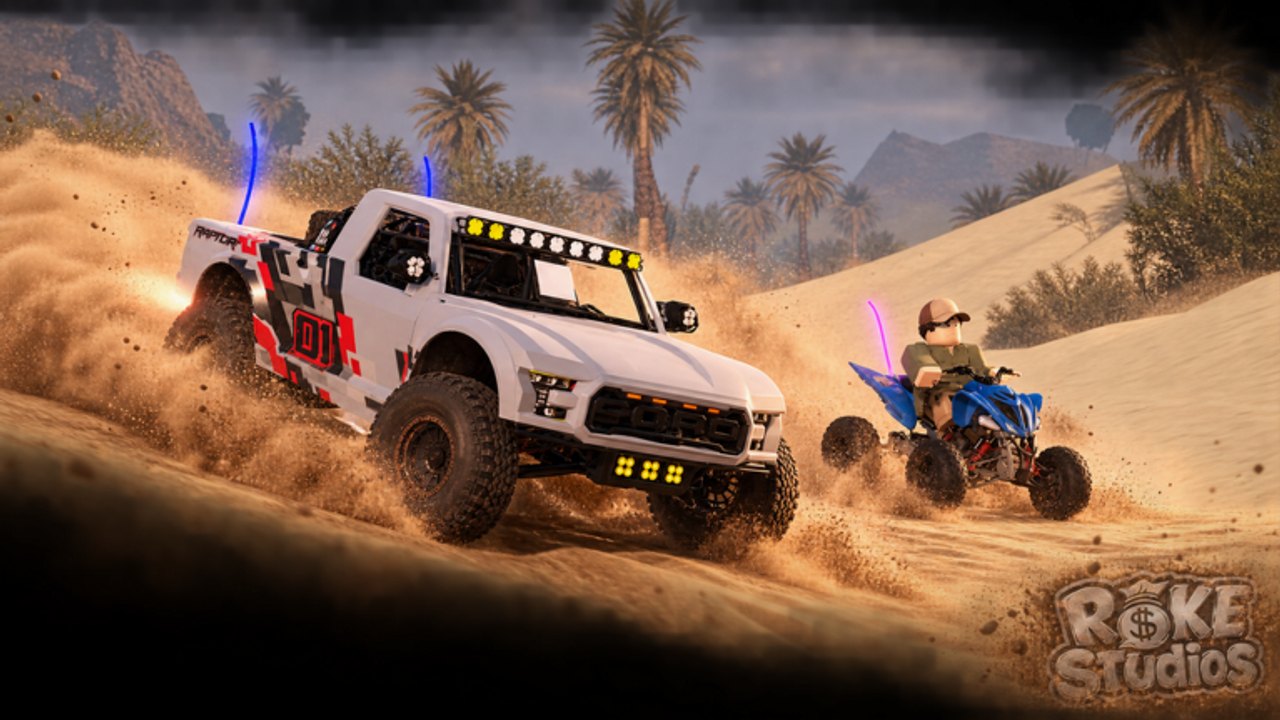
Redeeming a code in The Cosalazo 2 is a thirty-second task once you know which experience you joined. The official Roblox page currently prints WELCOME as today’s code. This page is the procedure: where to look, how to type, and what to do when the box rejects the string. Pair it with the codes hub for the live table and the WELCOME write-up for that specific reward.
The Cosalazo 2 is a Spanish-forward off-road sim, so the button may say CODES, CÓDIGOS, PROMO, or sit inside a shop/menu icon rather than a giant English label. Do not wait for a tutorial popup. After spawn, scan the left and right HUD edges, then the pause or backpack-style menu.
Confirm you are in the right game
Before you type anything:
- The experience title should be The Cosalazo 2 or El Cosalazo 2.
- The place should match this Roblox URL.
- The creator should be Roke Studio’s, not a similarly named group from the older El Cosalazo.
If you joined through a sponsored ad or a friend’s wrong favorite, WELCOME may still work — or you may be staring at a different code UI entirely. The links hub bookmarks the correct play page and the Roke Studio’s community.
Step-by-step on PC
- Spawn in. Do not enter a vehicle yet if the HUD hides behind a speedometer.
- Look for a ticket, gift, or CODES button. In many Mexican-route vehicle sims it sits on the left stack.
- Click it. An Enter Code (or Ingresar código) field should appear.
- Type
WELCOMEwith no spaces. Caps as shown unless the box auto-uppercases. - Press the confirm control — EXCHANGE, REDEEM, CANJEAR, or a check icon.
- Watch cash, garage, or a toast message. Then leave the menu so you can see the HUD counters.
If nothing happens, close the UI and reopen it. Roblox text boxes sometimes swallow the first keystroke when the camera is still tweening.
Mobile and console
On mobile, tap the same icon with a finger, then tap the field to raise the keyboard. Disable autocorrect if it turns WELCOME into “Welcome” with a trailing space. On console, highlight the field with the face buttons, then use the on-screen keyboard. Avoid a USB keyboard mapping that inserts a newline before submit.
Servers hold 15 players. You do not need a private server to redeem. Codes are account-bound in this genre: redeem on the account you actually drive, not a spare alt you will never open again.
After the code lands
A successful claim should change something you can screenshot:
- Cash for a first vehicle
- An unlocked body in the spawn list
- A cosmetic light bar or whip light
- A one-time system message
Spend that head start using the tier list instead of impulse-buying the loudest trophy truck. New drivers who skip controls often bin a free truck in the first river. Read getting started for the rest of the first-hour order.
Why WELCOME might fail
Work through this list in order:
- Wrong game. You are in the original El Cosalazo. Their public code style (for example 100KM) is not this sequel.
- Typo. Extra space, lowercase
welcomeif the box is case-sensitive, or a Spanish keyboard inserting´. - Already used. Most Roblox codes are once per account.
- Expired rotation. The description called it “today’s code.” If the studio swapped the line, check the codes hub again.
- Client cache. Leave and rejoin so the experience loads the current UI.
- Filtered text. Rare, but Roblox chat filters can eat a box if you pasted from a weird website. Type by hand.
Do not buy a “code pack” from a random group store. Official Cosalazo 2 codes are free. Paying Robux for a string someone copied from this wiki is how accounts get scammed. Scripts that claim they auto-redeem every code belong on the scripts hub with a risk warning, not in the promo box.
Making redeeming a habit
Put this loop on a sticky note:
- Open the official game page and read the description.
- Open this wiki’s code checker for a one-line copy list.
- Redeem in-game using the steps above.
- If a new string appeared, tell the wiki by comparing it to the codes hub.
The studio updates vehicles, maps, and music on a fast cadence — the experience was created 19 August 2026 and already thanked the community for millions of visits. Codes will move with those updates. The updates hub is the patch timeline; this page stays the mechanical how-to.
Once WELCOME is in, go drive. The Cosalá plaza with the colorful letters, the dune bowl with palms, and the night forest water crossing are the real product. A code only buys you a better first truck so you can enjoy how to play with a convoy.
Frequently Asked Questions
Quick answers for Cosalá routes, codes, and vehicles.
Is the redeem button labeled in English?
Not always. Expect CODES, CÓDIGOS, EXCHANGE, or CANJEAR. Search the HUD before assuming the game has no box.
Can I redeem on mobile?
Yes. Tap the codes icon, disable autocorrect, and type WELCOME. The game is a standard Roblox experience on phones.
Do I need Robux to redeem?
No. WELCOME is a free official string. Never pay someone to type it for you.
What should I buy after redeeming?
Match the vehicle to terrain using the tier list and vehicles guide.